
Version 0.1.0
Get haeifin
Coming soon to Android (direct download and Google Play) and iPhone (App Store). The same book, the same features, and the links appear here the moment they are live.

Scan with your phone
haeifin.com/apps
Where to get it
Want to try it now, or hear the moment it’s out? Message us on WhatsApp.
Installing the direct download, step by step
First time installing an app from outside a store? This is all of it, and it takes a minute.
-
1
Download the file
Tap “APK for Android” on this page. The file lands in your phone’s Downloads.
-
2
Allow the install
Only the first time, Android asks: tap “Settings” and turn on “Allow from this source” for the browser you downloaded with.
-
3
Install and open
Go back, tap “Install”, then “Open”.
-
4
Name your book and start
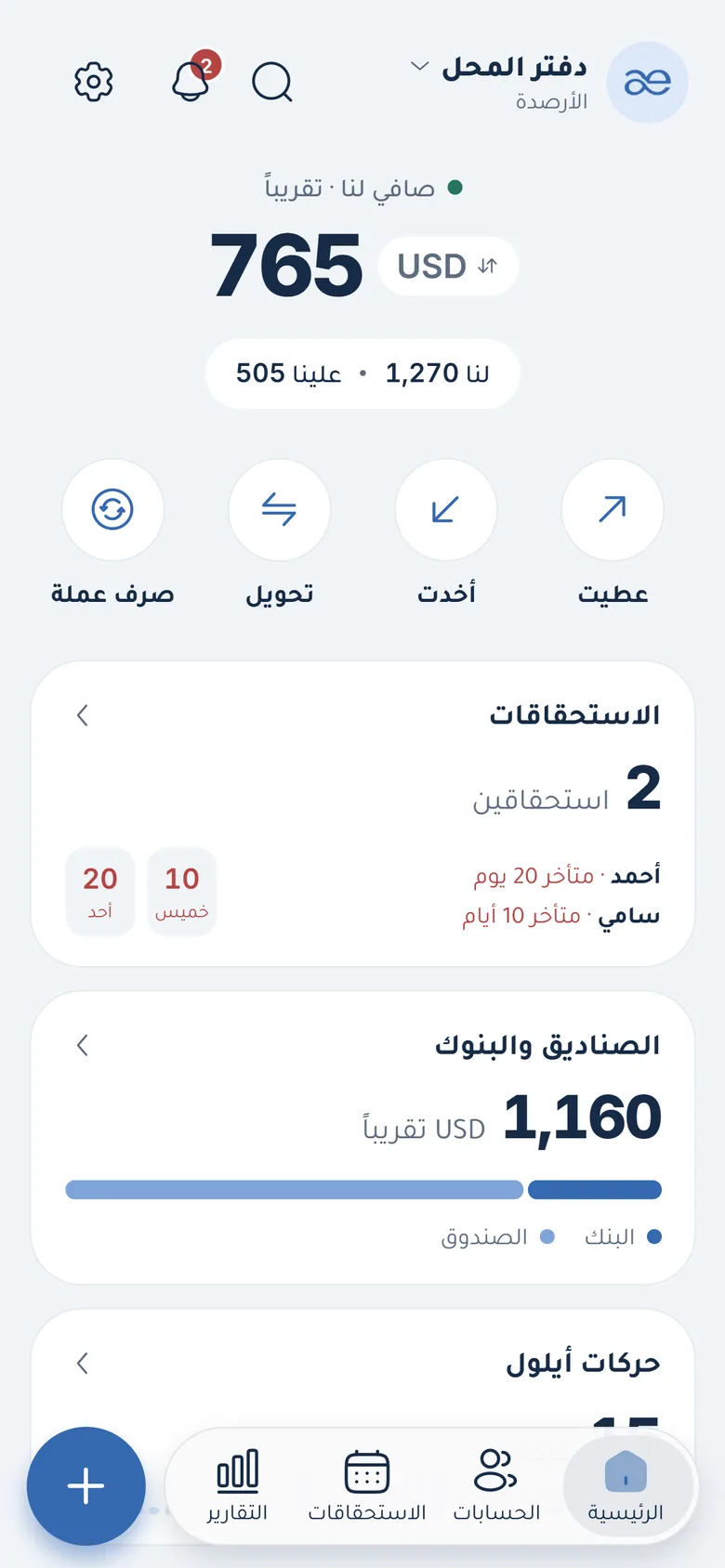
No account, no internet: pick your currencies and record your first entry.
Common questions
Why is there a direct download (APK)?
Because Google Play and the App Store don’t always open from Syria. The direct file is exactly the same app.
Is the direct download safe?
Yes, as long as you get it from haeifin.com only. Don’t download the app from any other site or group, and if a link looks odd, message us on WhatsApp.
Is haeifin on iPhone?
The app is built for Android and iPhone. The iPhone version is coming to the App Store with the same features: fingerprint or Face ID, offline, in Arabic and English.
Does it work on my old phone?
Yes, on Android 7.0 and later, and it is built to be light on cheap phones.
Do I lose my book if I change phones?
No, if you take a backup: “Your page” → “Backup” → “Back up now”, and on the new phone: “Restore”.